
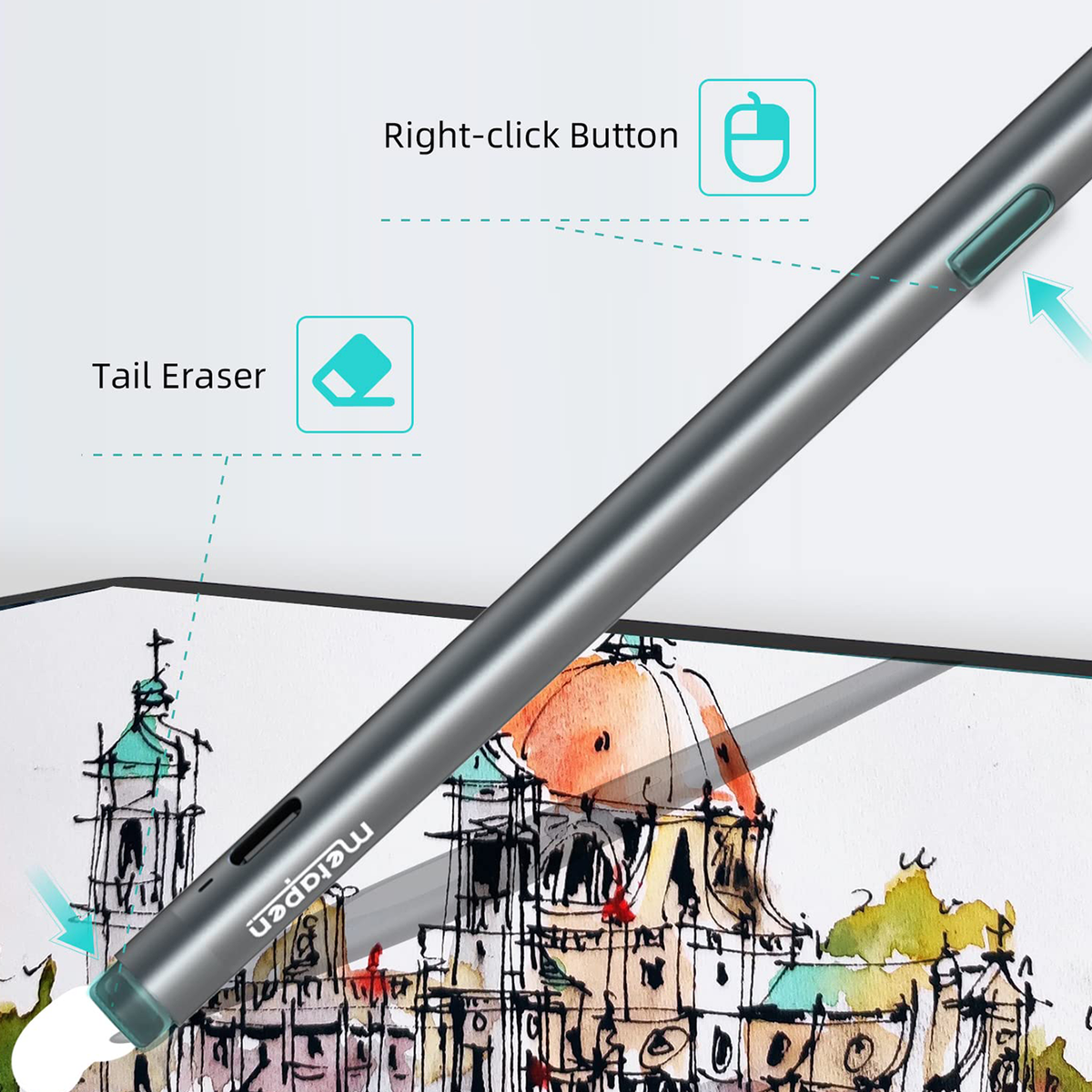
Write. Flip. Erase.
Flip to erase. Press the side button with the tip on screen for right-click and selection.

For Surface
Stylus pen for Surface
Move from a first sketch to the finishing touch with M2. Pressure-sensitive control meets a familiar flip-to-erase design.
Available to order
Shipping, taxes and discounts are calculated at checkout. Delivery options depend on your destination.
Designed for compatible Surface devices. These pen families use different technologies and are not interchangeable. Review the model-specific details below, or contact us with your exact device model before ordering.
Details & compatibilityShipping, taxes and discounts are calculated at checkout. Delivery options depend on your destination.
Shipping policyM2 / Features
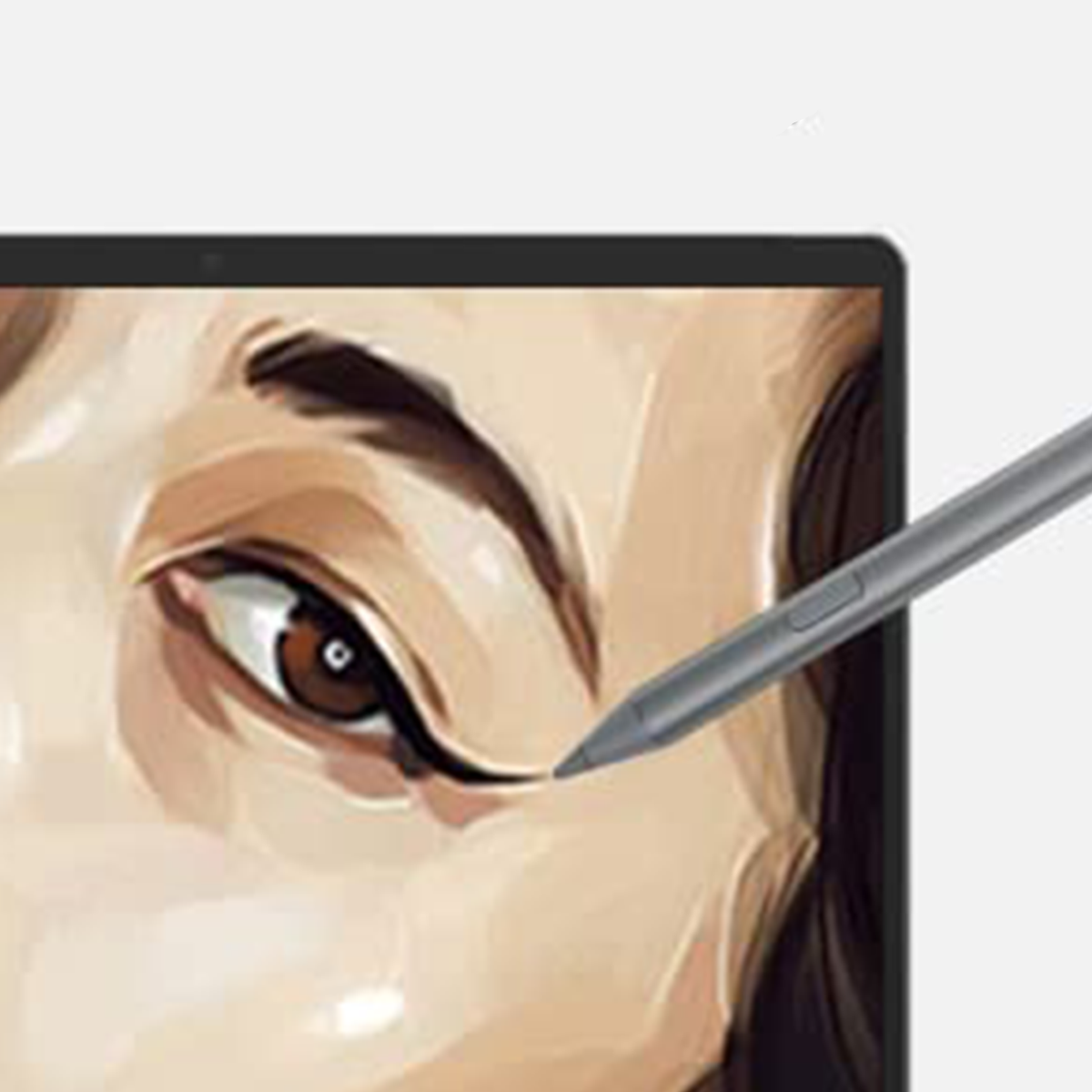
Pressure-sensitive lines. Tilt shading. A familiar flip-to-erase design.
Flip to erase. Press the side button with the tip on screen for right-click and selection.
Palm rejection lets you rest your hand on the screen as you write or draw.
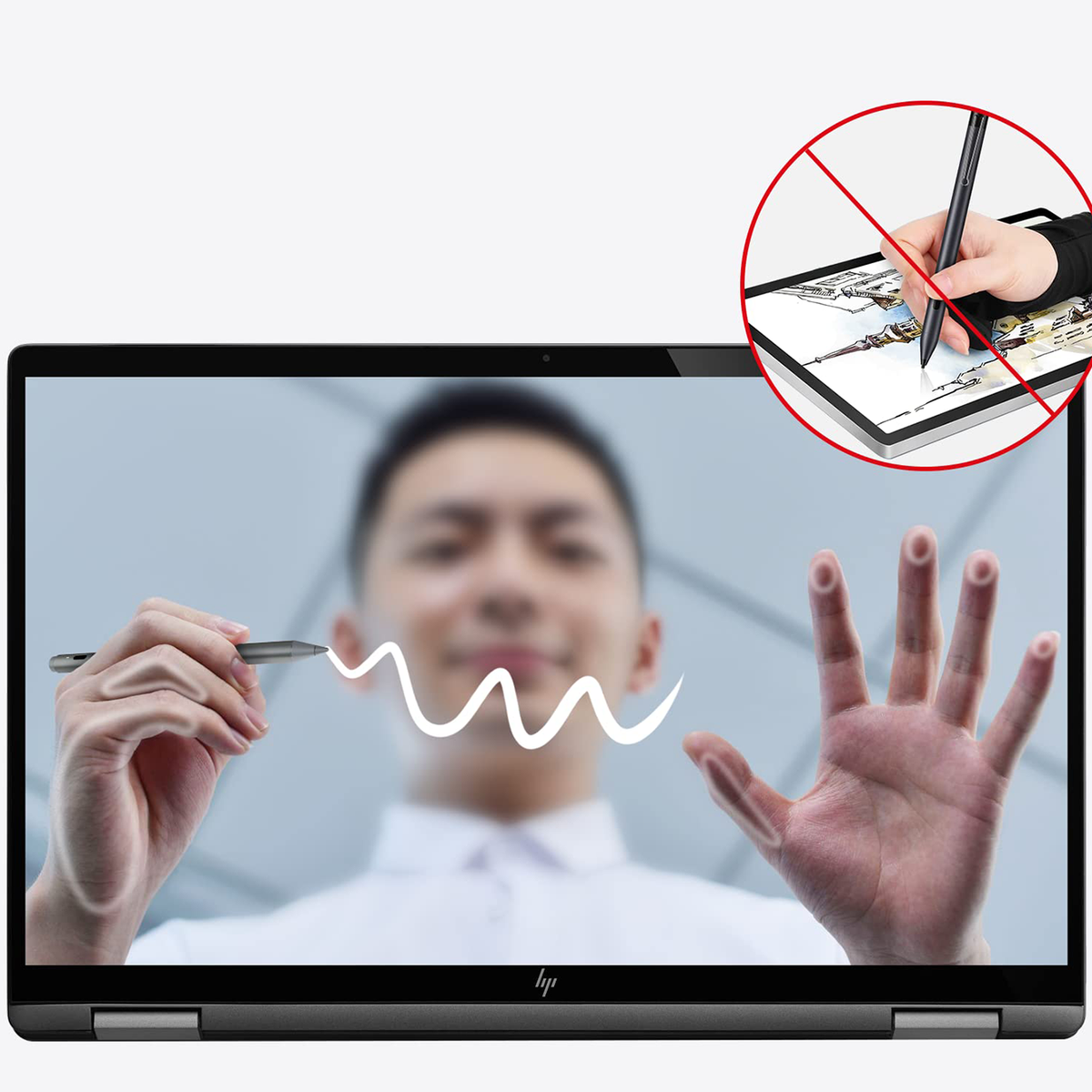
Tilt to shade. Add depth with compatible pencil brushes. Tilt response varies by app and brush.
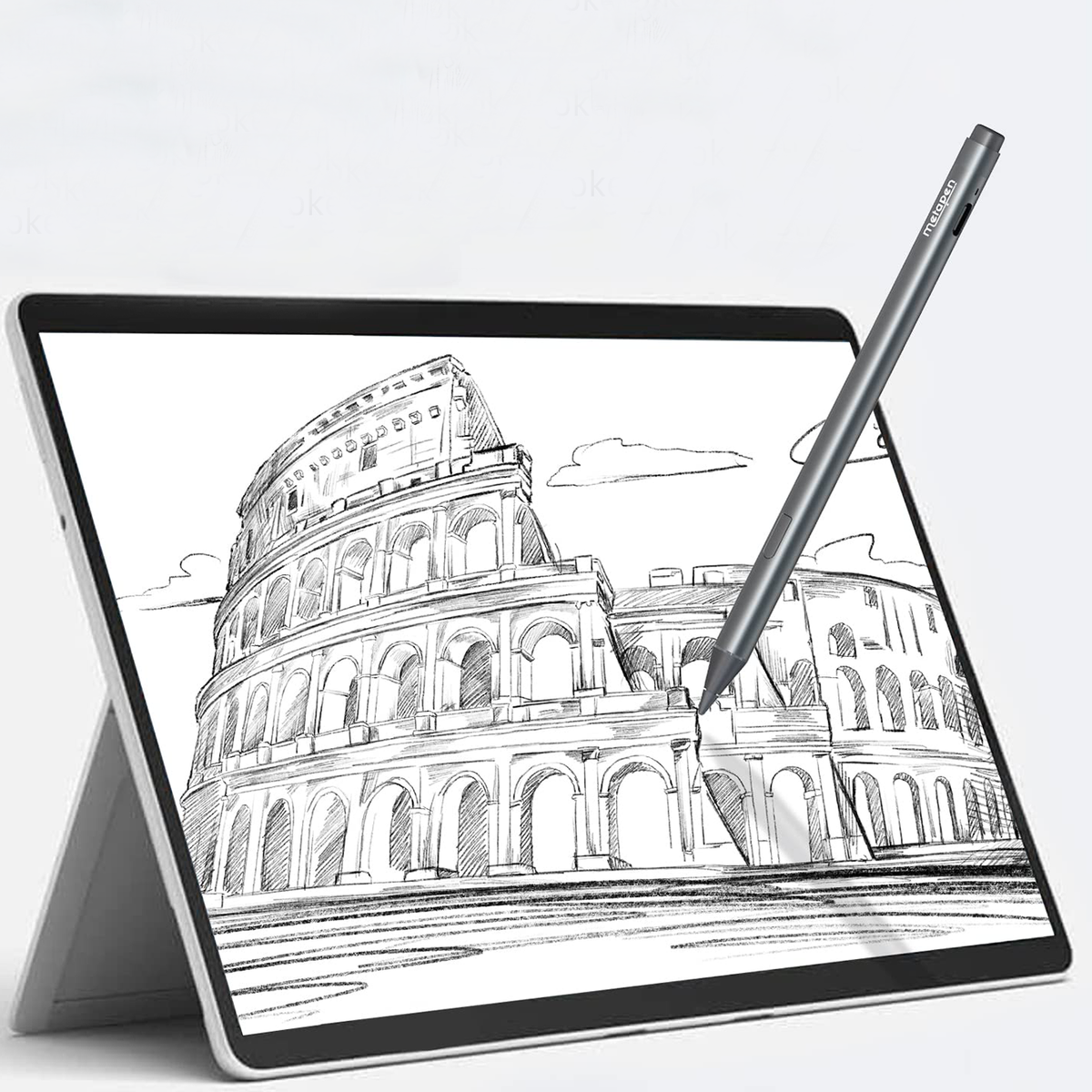
4,096 pressure levels turn changes in your touch into expressive lines in supported apps.
Before you buy
Designed for compatible Surface devices. These pen families use different technologies and are not interchangeable. Review the model-specific details below, or contact us with your exact device model before ordering.
FAQs & compatibilityHere to help
Have your pen model, device model and order number ready. We’ll help you find the next step.
Explore the official product range, compare your options, and choose the pen that fits the way you work.
Returns & refunds →Find your order confirmation, shipping updates, and available carrier tracking in one place.
Track your order →Need help choosing a pen, checking compatibility, or finding an order? Our support team is here to help.
Contact support →